Google Calendar Year View with events
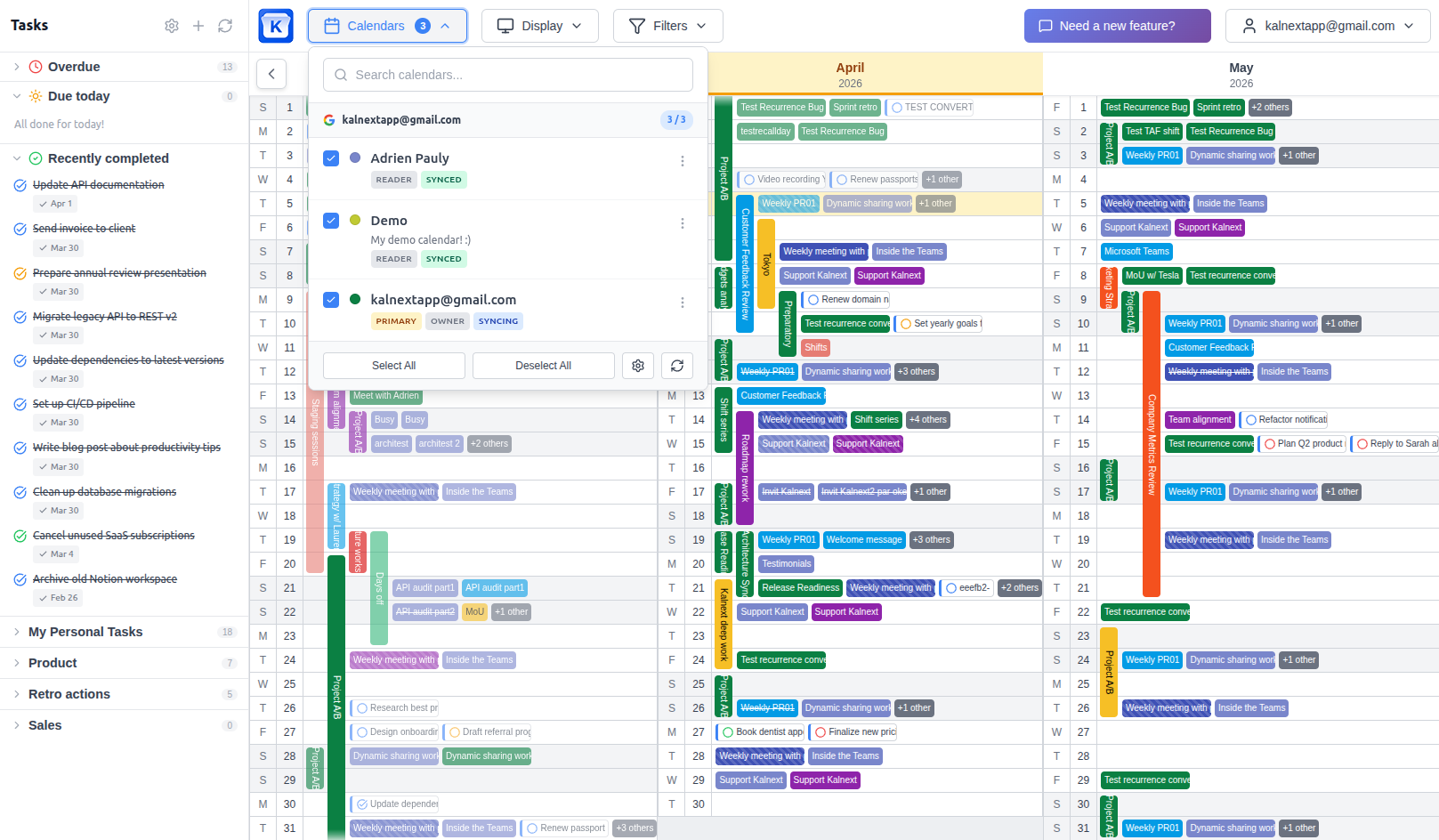
The missing Google Calendar Year View is here. See your entire year in one view with all your events, tasks, and details.
Not just dots.
No credit card required
Why you need a better year view
Seeing all 12 months of your calendar on a single screen changes how you plan. Instead of scrolling month by month, you get an instant overview of your entire year: events, deadlines, vacations, busy periods, and free time.
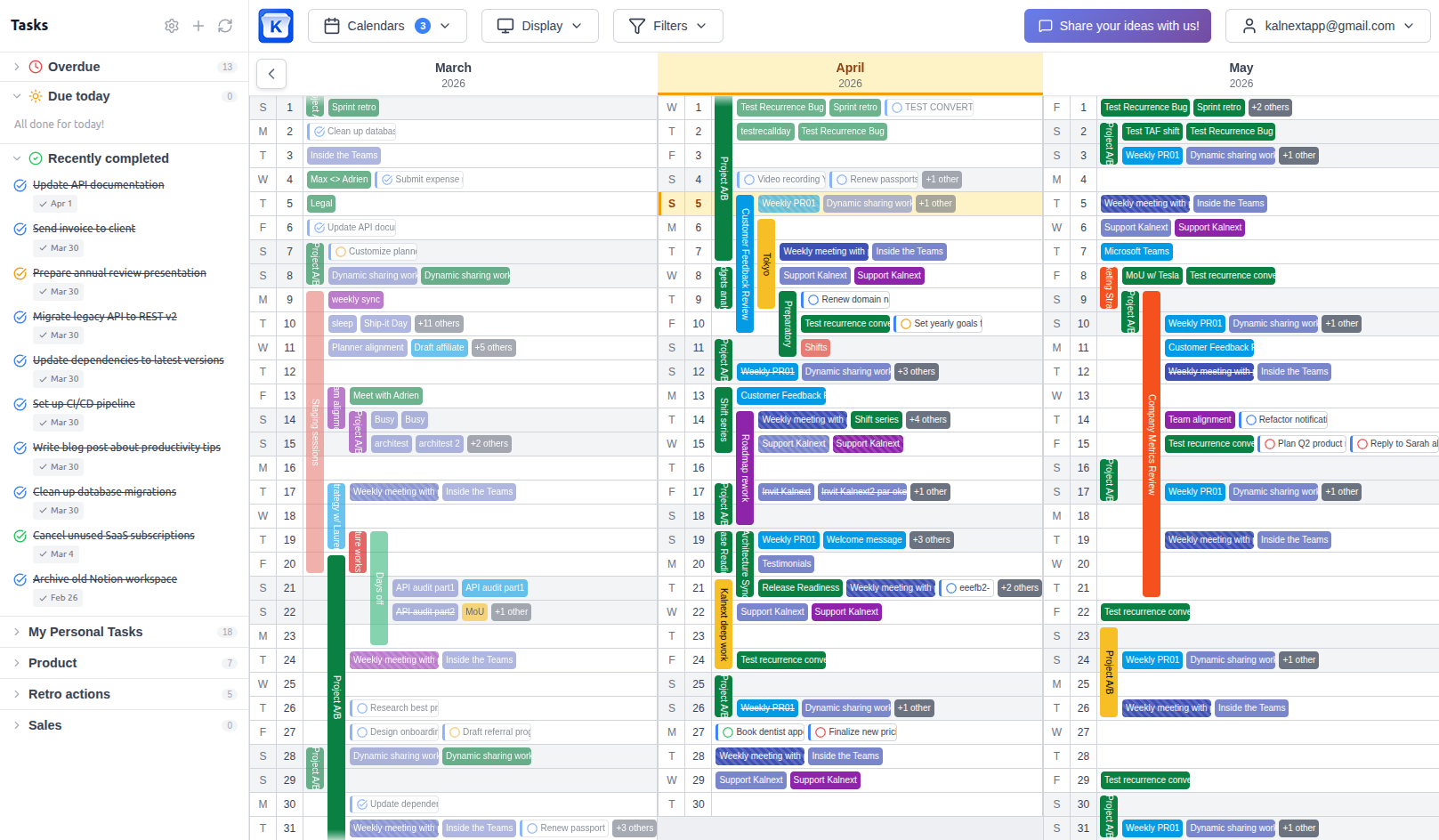
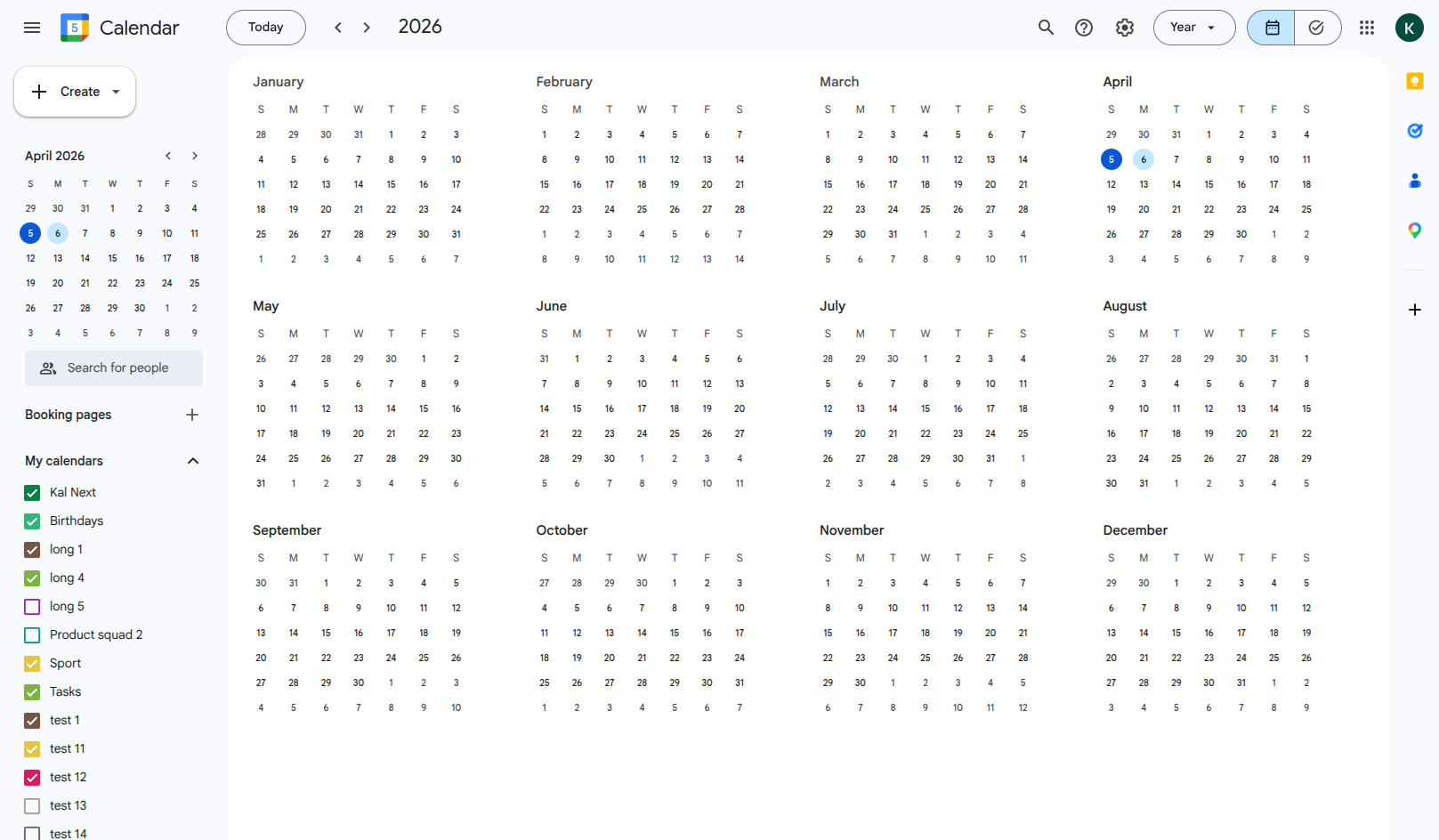
Google Calendar does offer a built-in year view, but it's extremely limited: it shows tiny dots instead of actual event names, it doesn't display event details, and you can't interact with your events from that view. For anyone doing serious planning, it's essentially useless. We've written a detailed breakdown of these Google Calendar year view limitations.
Kalnext solves this. It connects directly to your Google Calendar and gives you a true, interactive year view where you can see every event with its name, color, and time, and manage your events, tasks, and schedule without leaving the view.
Drag to compare
Everything you need in a yearly calendar
A complete planning tool, synced both ways with your Google Calendar.
Full-Year Strategic View
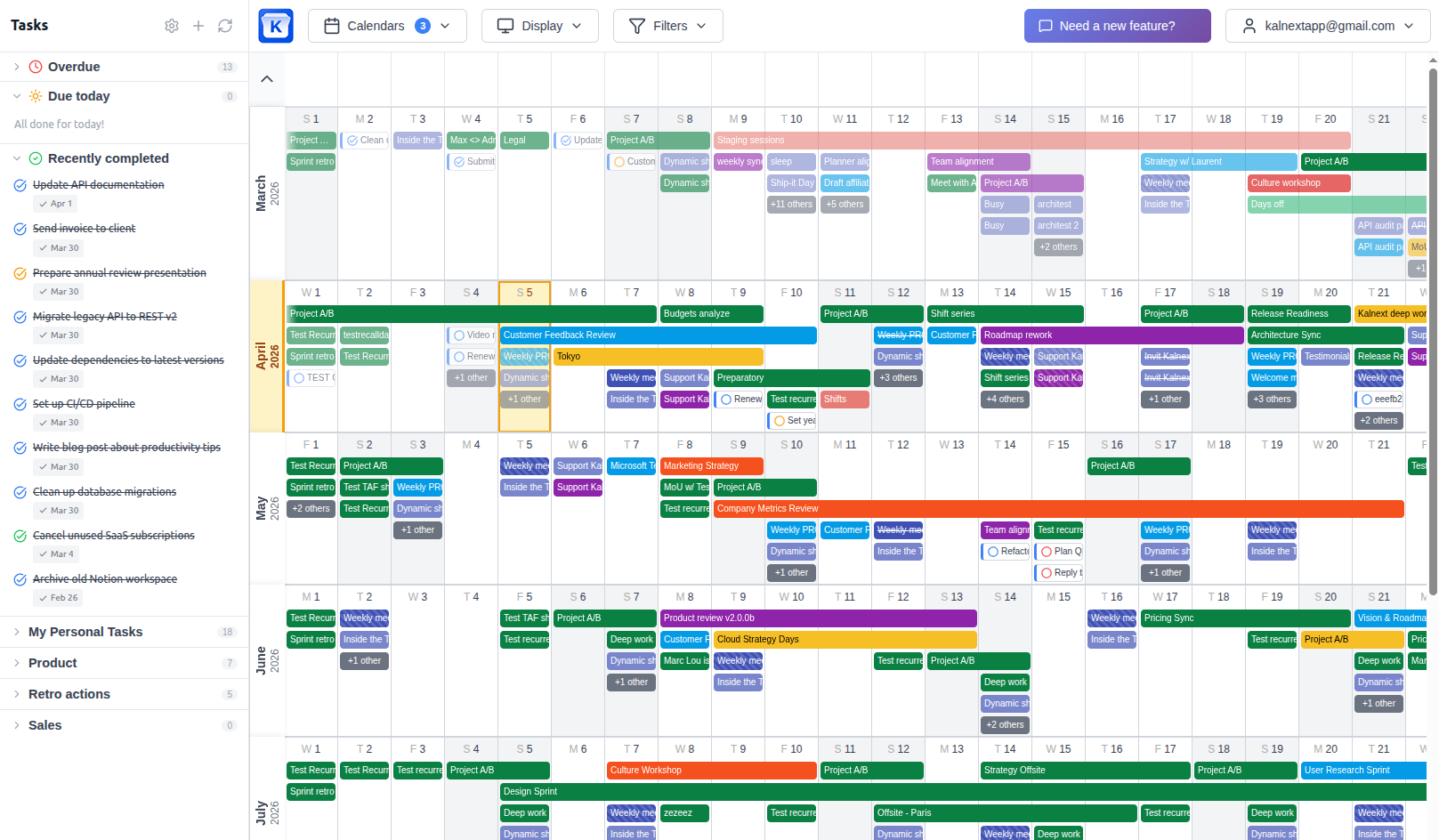
See all 12 months of your Google Calendar in one comprehensive view. Every event, every color, every detail, visible at a glance. No more switching between months to understand your schedule.
Two layouts to match how you think: horizontal timeline or vertical planner.
Drag to compare
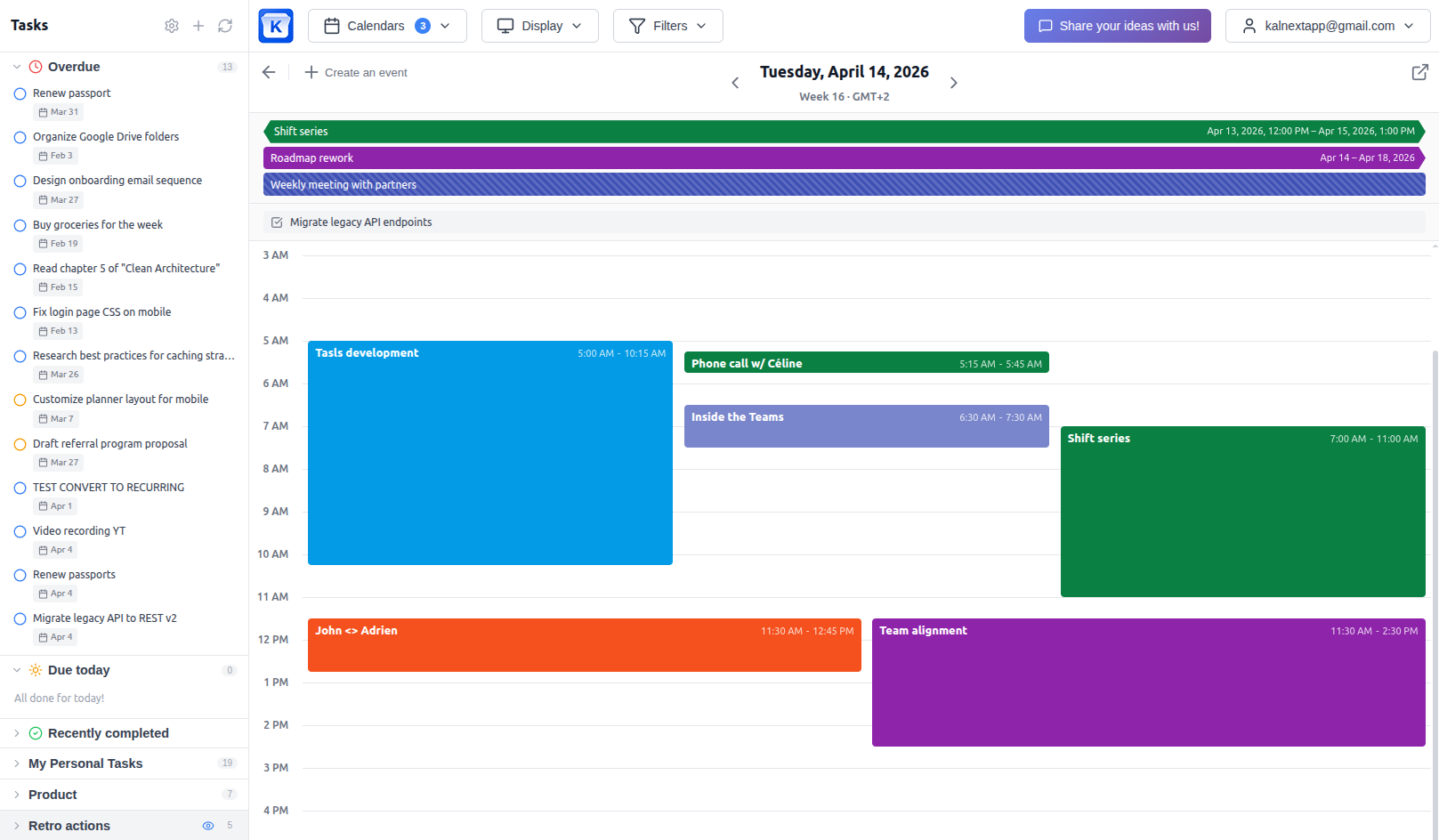
Daily Hour-by-Hour Details
Click any day to instantly drill down into the hour-by-hour breakdown. Go from a bird's-eye view of your year to the fine details of a single day, without switching tools or losing context.
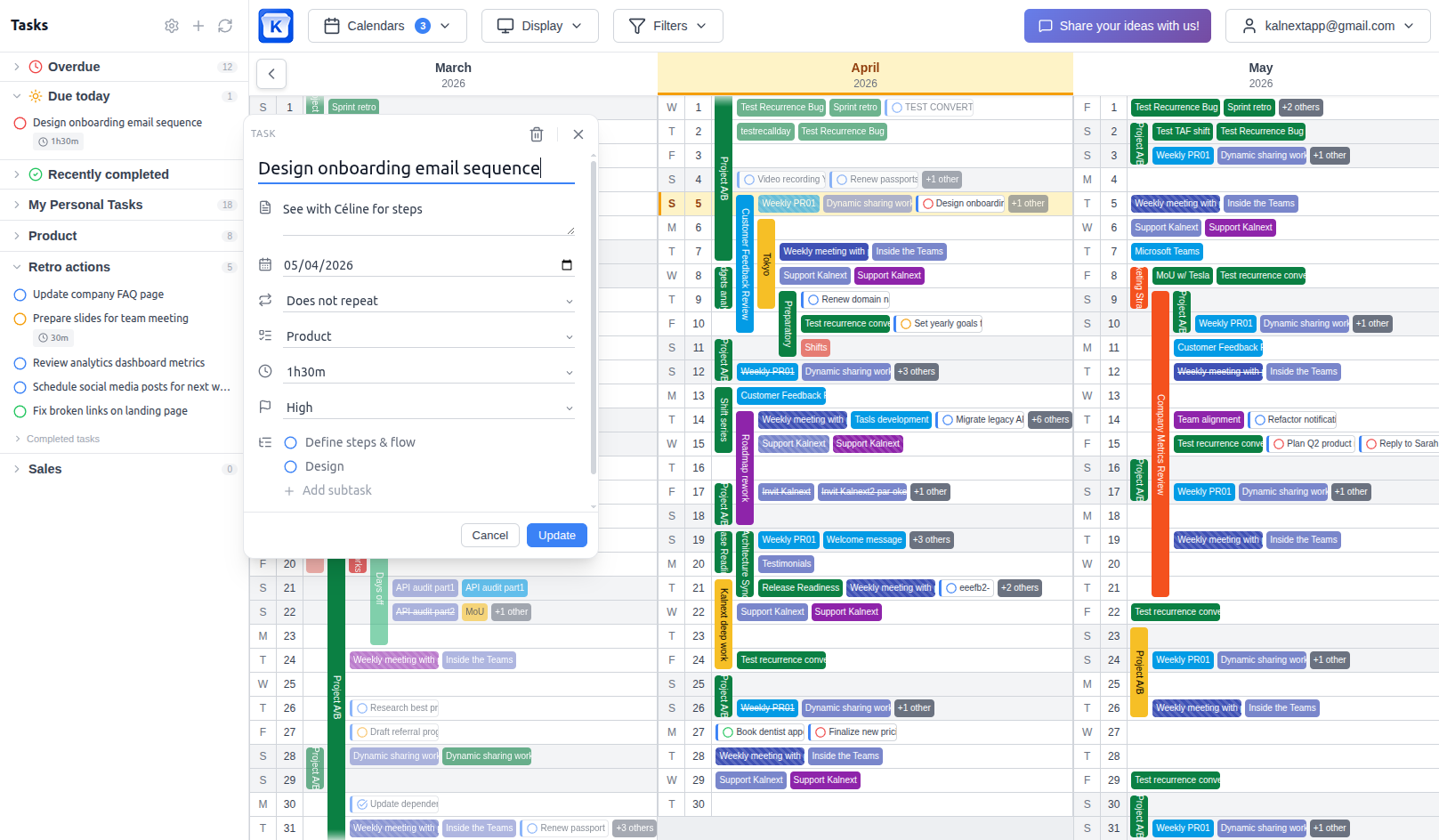
Task Management
Plan your year with more than just events. Create, organize, and track tasks directly in your yearly view. See tasks alongside your events to get a true picture of your workload and commitments across the year.
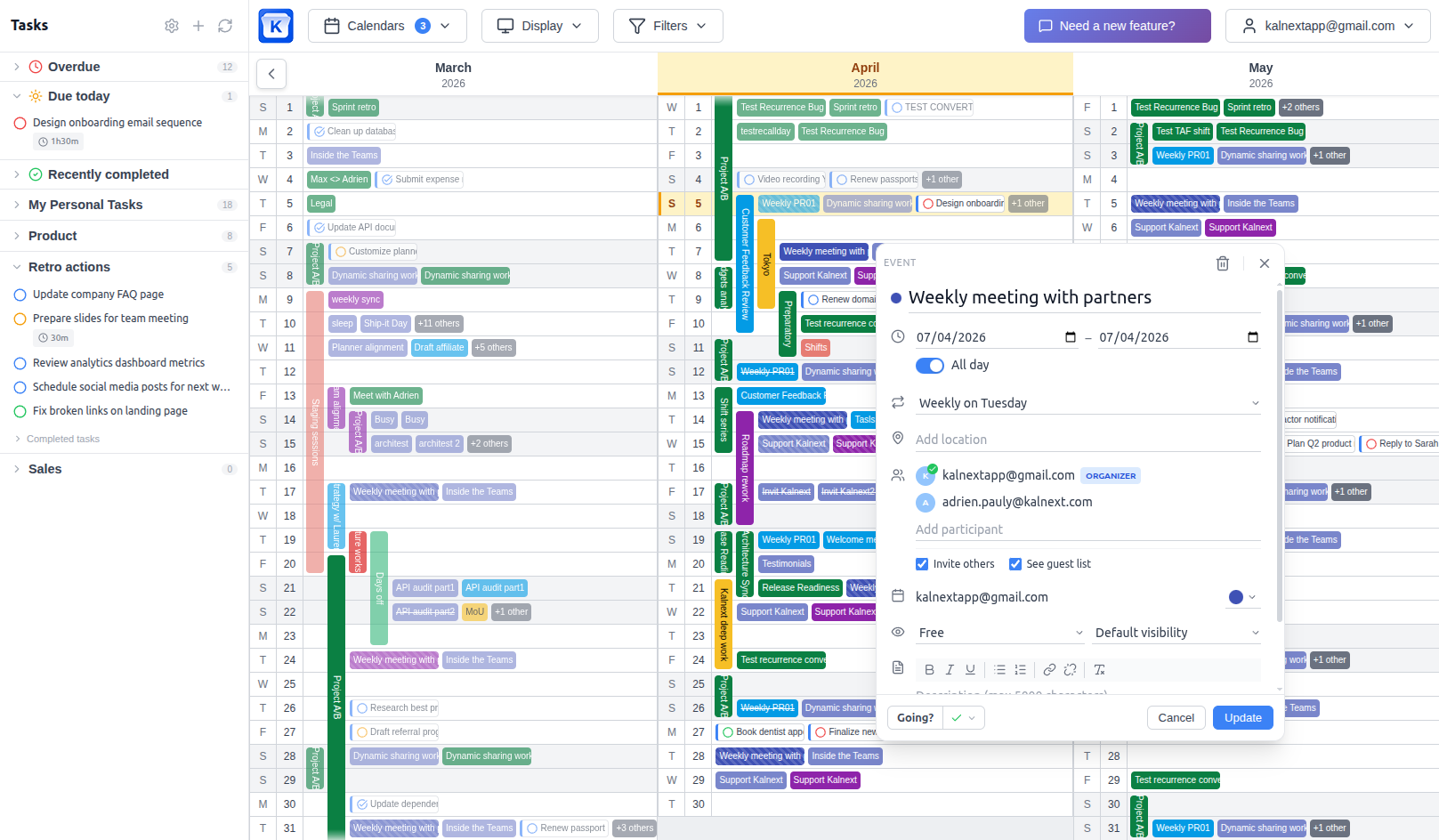
Full Event Management
Create, edit, and manage your Google Calendar events without leaving Kalnext. Changes sync back to Google Calendar in real time. No copy-pasting, no tab-switching: just seamless planning from the yearly view.
Free Time Finder
Instantly spot available slots across your calendar or find common free time with a colleague. Whether you're scheduling a vacation, a project sprint, or a meeting that works for everyone, the free time finder highlights open windows so you can plan with confidence.
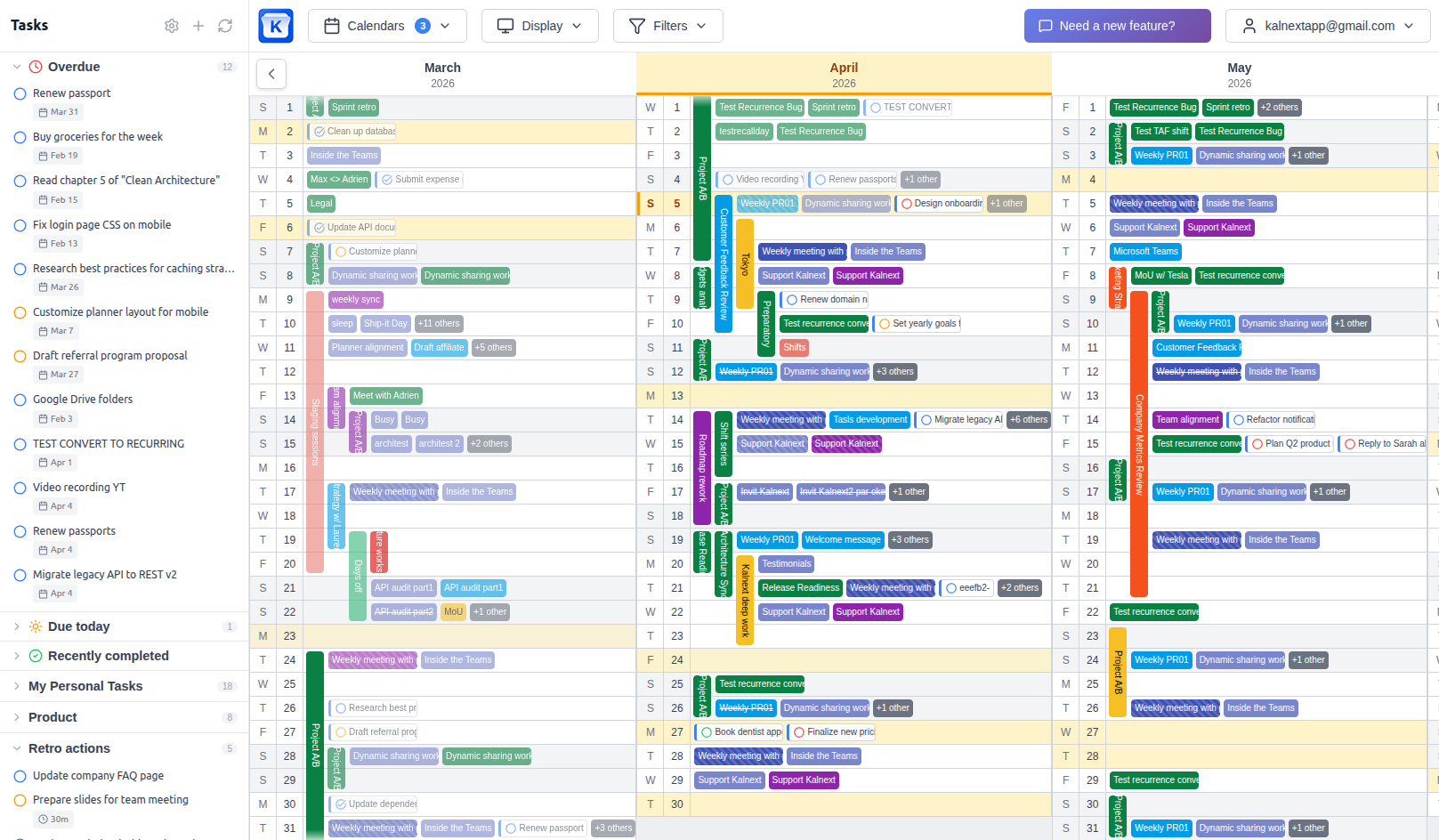
Filter by calendar, color, or keyword
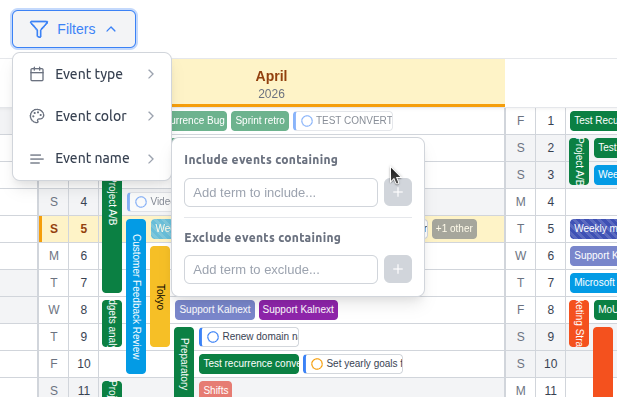
Focus on what matters. Toggle calendars on or off, filter by color, event type, or keyword to isolate exactly what you need. Filters apply instantly across all 12 months.
Dynamic sharing
Create share links and choose exactly which calendars to include. Viewers can toggle calendars on or off to see what matters to them, without needing an account. Control privacy by hiding event details, locations, or attendees. Set expiration dates, enable or disable links instantly, and track how many people are viewing.
Learn more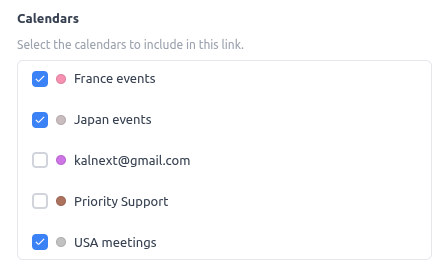
Print & Export
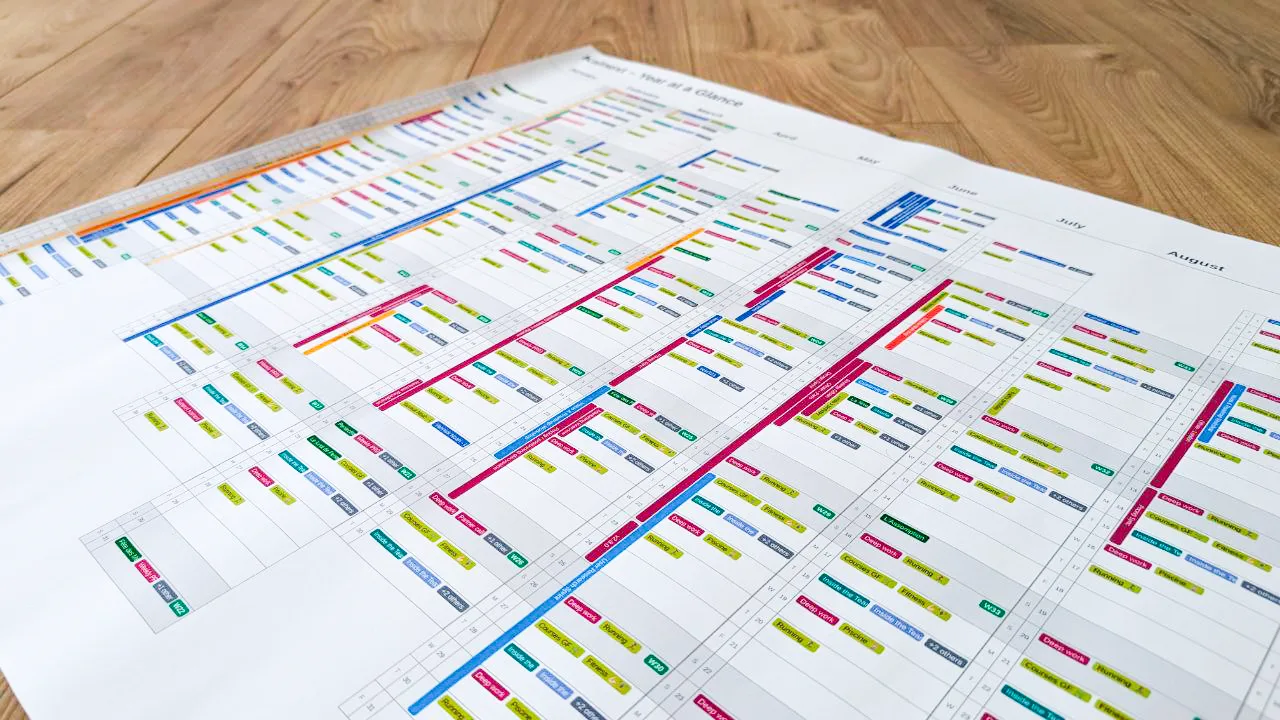
Export your yearly overview to share in meetings, pin on a wall, or keep as a reference. Print any date range with the layout and level of detail you need, perfect for quarterly reviews and annual planning sessions.
Get started in under a minute
No installation. No migration. Just connect and plan.
Connect your Google Calendar
Sign in with your Google account. Kalnext syncs your calendars instantly: no migration, no import, no setup.
Explore your full year
See 12 months of events, tasks, and commitments in one view. Filter by calendar, color, or keyword to focus on what matters.
Plan and execute
Create events, manage tasks, find free time, and drill into daily details. Everything syncs back to Google Calendar and Google Tasks in real time.
Why Google Calendar's built-in year view isn't enough
Google Calendar's native year view has several major limitations that make it impractical for real planning:
- No event names: only colored dots, making it impossible to know what's scheduled
- No interaction: you can't create, edit, or manage events from the year view
- No task visibility: tasks from Google Tasks don't appear in the yearly view at all
- No mobile support: the year view doesn't exist on Google Calendar's mobile app
- No export or print: you can't share your yearly overview with anyone
Kalnext was built specifically to solve these problems. It gives you a true, fully interactive year view where you see every event, manage tasks, and plan your year without limitations.
What you can do with a proper year view
Plan long-term projects
See project timelines, milestones, and deadlines across the full year. Spot overlaps before they become problems.
Identify busy periods
Instantly see which weeks are packed and which have room. Balance your workload across quarters.
Schedule vacations confidently
Use the free time finder to spot available windows. No more guessing if a week is really free.
Track tasks alongside events
See your tasks in context with your calendar events. Understand your real workload, not just meetings.
Prepare quarterly reviews
Print or export any date range for presentations, retrospectives, or planning sessions.
Switch between big picture and details
Go from a 12-month overview to an hour-by-hour breakdown of any day in one click.
Go further with yearly planning
Multiple Calendars
Plan your year across multiple Google Calendars and teammates.
Annual Planning Tips
Expert strategies to organize your year with Google Calendar.
Google Calendar Limitations
Why the native year view isn't enough for serious planning.
Compared Alternatives
How Kalnext compares to other yearly calendar solutions.
Ready to see your full year?
Connect your Google Calendar and get a complete 12-month view with events, tasks, and details in under a minute.
Start your free trial14-day free trial · No credit card required