Planning tools vs your calendar
A separate planner gives you a clean canvas.
Your calendar gives you a plan people can act on.
Why a separate planner feels better at first
It is worth being fair about this, because the appeal is real. A dedicated year planner gives you an empty canvas. No recurring stand-ups, no dentist appointment, no noise from three colleagues' calendars. Just twelve months and the decisions you are trying to make.
That emptiness is a feature while you are thinking. You can sketch two versions of the same year side by side, block a sabbatical you have not asked for yet, and delete the whole thing without anyone noticing. A calendar is a bad place to think out loud, because everything you put there is a commitment somebody can see.
The trouble starts at the end of that process, not during it.
The moment it breaks
Planning is finished when it produces something someone can act on. Up to that point you were thinking; after it, other people have to move. And other people do not open your planner. They open their calendar, because that is where their week comes from.
So the plan gets transcribed. The launch week becomes three real events. The hiring freeze becomes a note in a recurring meeting. Somebody forgets one. Two weeks later a date moves in the calendar and nothing moves in the planner, because the planner has no idea the calendar exists.
From that point you are running two systems that disagree, and only one of them has the meetings in it.
Nothing broke. Nobody was careless. The two systems simply have no way to tell each other anything.
Three costs nobody budgets for
None of them show up in a feature comparison.
Re-entry
Everything you decided has to be typed a second time somewhere else. It is boring, it is invisible in any roadmap, and it is the first thing dropped when the quarter gets busy.
Drift
The calendar keeps moving without asking the planner. Two weeks later the two disagree, and there is no alert, no conflict, no merge. Just a document that is quietly wrong.
Trust
Once people have been burned by a plan that was out of date, they stop reading it. The planner stays pretty and stops being consulted, which is the expensive failure mode.
A one-way import is not an integration
Most year planners eventually ship a Google Calendar connection, and the feature list starts to look reassuring. It is worth reading the small print, because many of these connections are read-only imports: your existing events appear in the planner, and that is the end of it.
AnnuCal, for instance, describes its own Google import in plain terms: "The import is one-way. You edit these events in Google, not in AnnuCal."
That saves you from retyping what already exists. It does nothing for the part that matters, which is the plan you are about to create. Every block you draw still has to be entered in the calendar by hand, and every edit made in the calendar still drifts away from the plan. The second system survives the integration intact.
Read-only import
Events flow in. Nothing flows back. What you plan in the tool stays in the tool.
Two-way sync
One object seen two ways. Editing either side is editing the same event, for everyone who shares it.
So which one should hold your year?
It depends on one thing: whether anyone else has to act on it.
A separate planner wins when
- You are sketching options and want several parallel versions of the same year
- You have no calendar account to connect, or deliberately want to plan outside work systems
- You are publishing a fixed plan that will not move, like a season or a holiday schedule
- Nobody else has to act on the result, so there is no second system to keep in sync
Your calendar wins when
- Somebody other than you has to act on what you decided
- The plan will change, and the change has to reach people the same day
- You need to know what is free, not just what is booked
- The work you have to deliver matters as much as the meetings you have to attend
- You want adoption without a rollout, because everyone already has a calendar
What it takes for a calendar to hold a year
The reason people reach for a separate tool is that no calendar does this out of the box.
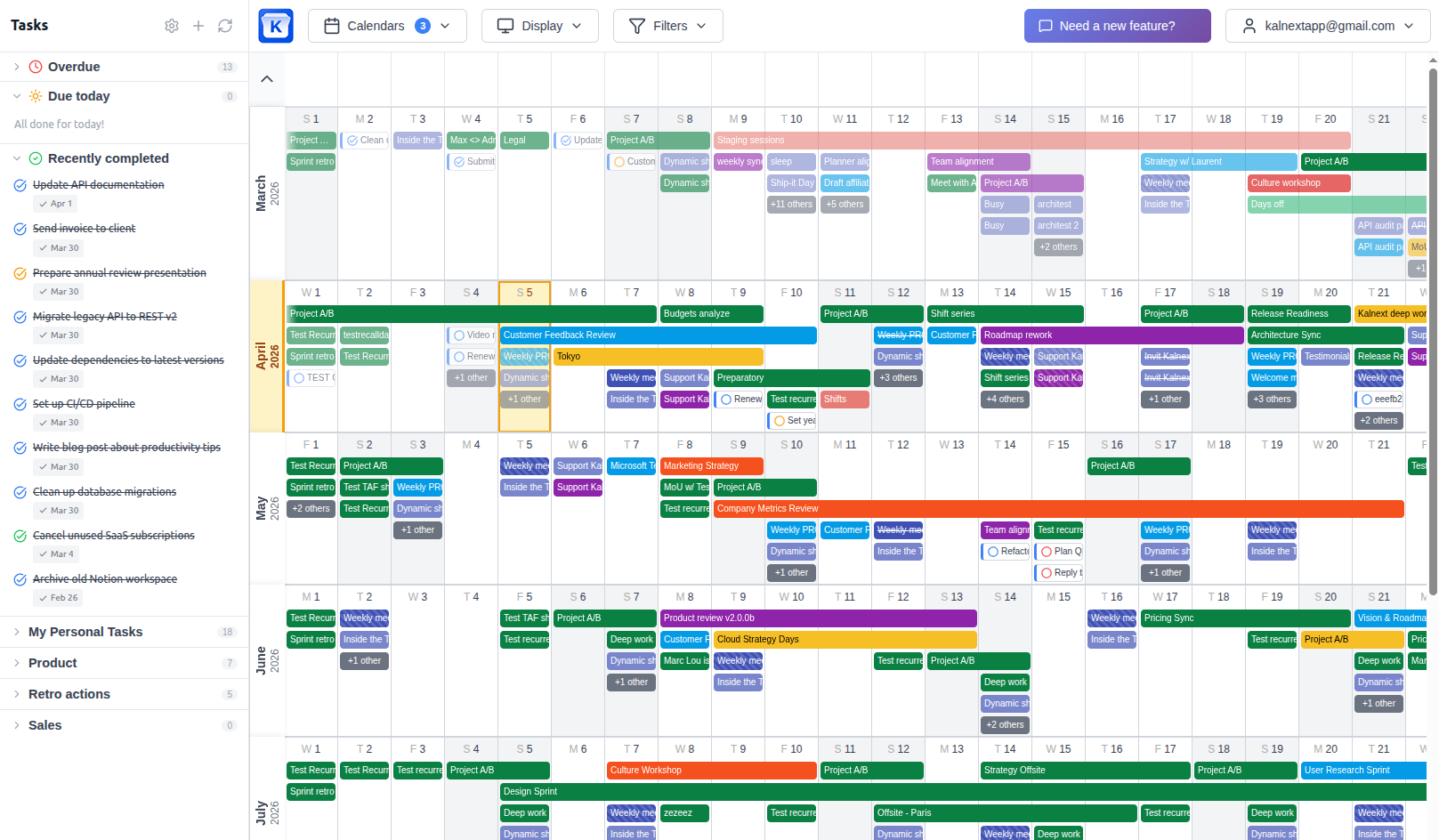
A year you can actually read
Google Calendar's own year view shows coloured dots, not event names. A grid of dots is a date picker, not a plan. The year has to show titles, colours and durations, or you are back to clicking month by month.
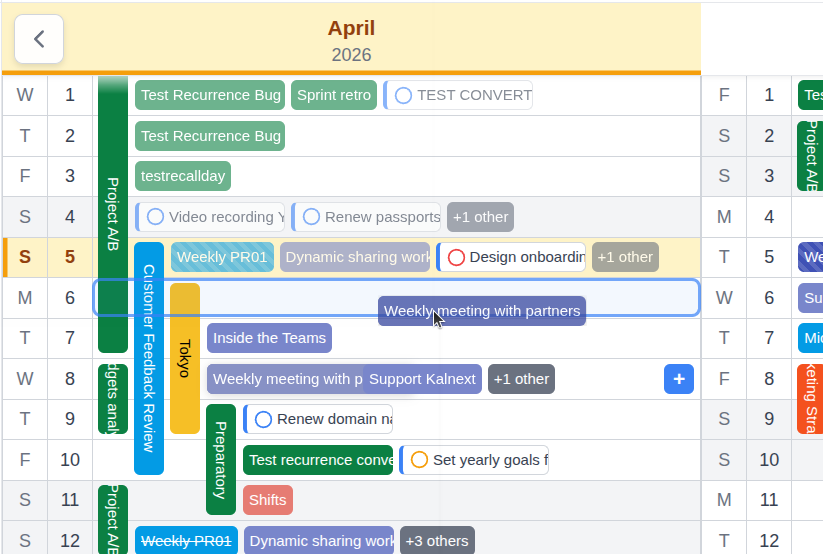
Writing, not just reading
Dragging a block across three months has to move the real event, for everyone who shares the calendar. Anything less and you are drawing on a photograph of your schedule.
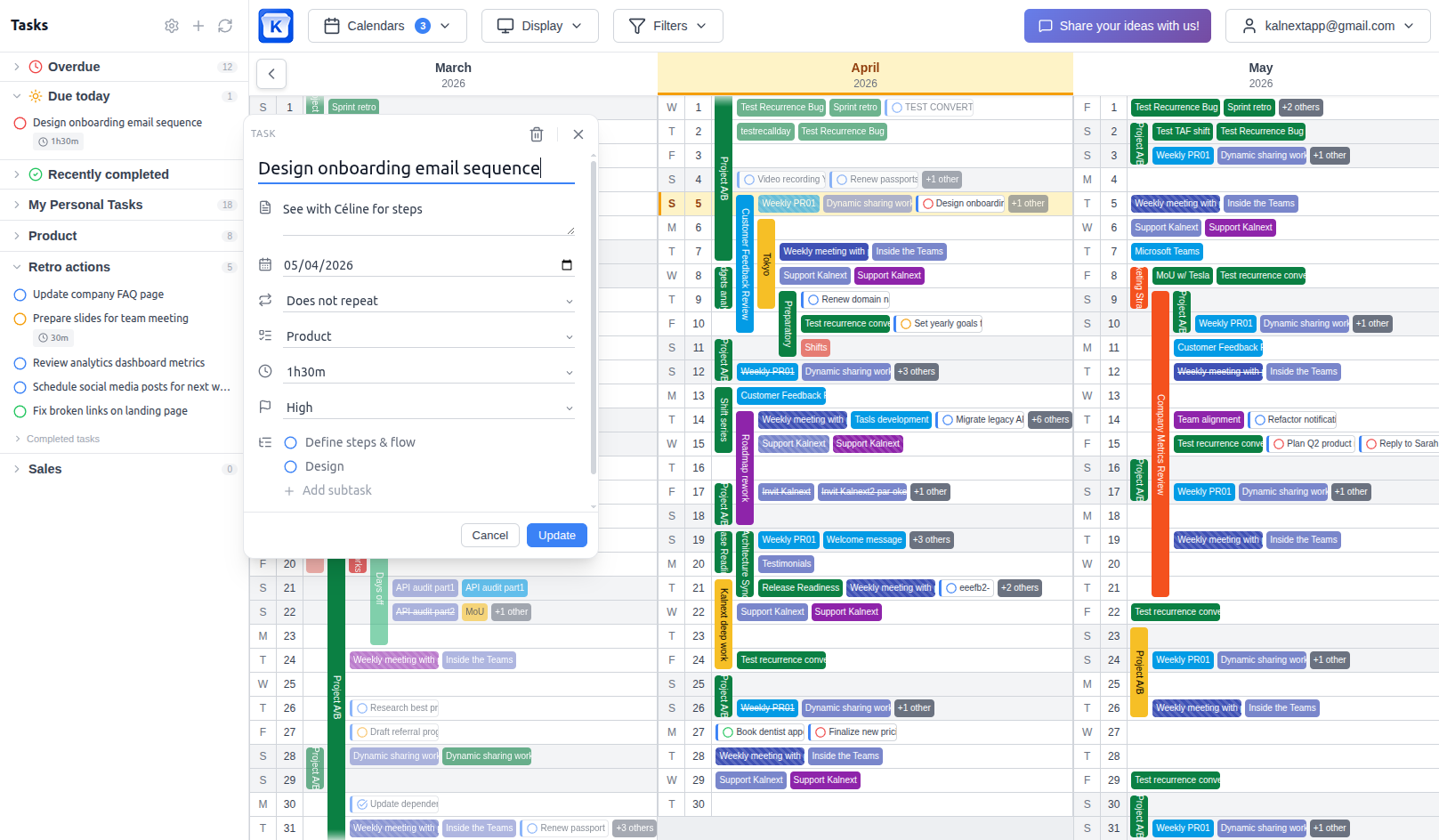
Tasks on the same canvas
A calendar knows what you agreed to attend and nothing about what you agreed to deliver. A year built only from meetings is systematically optimistic.
Every calendar at once
Work, personal, team, and the calendars of the people you plan with. A year view that shows one calendar answers the easy question and skips the hard one.
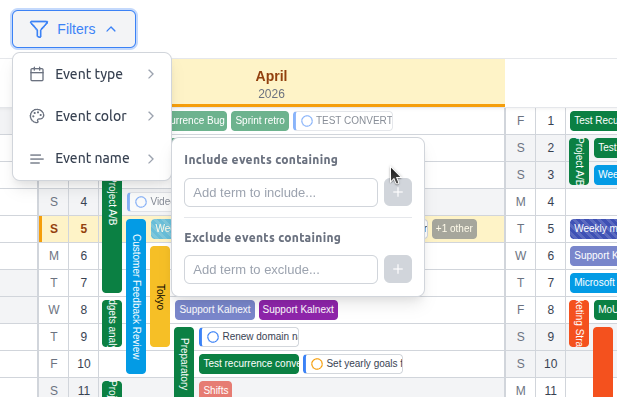
Availability, on demand
The decision is usually where to put something, not where something already is. Finding the open week across several calendars is the part a static canvas cannot do.
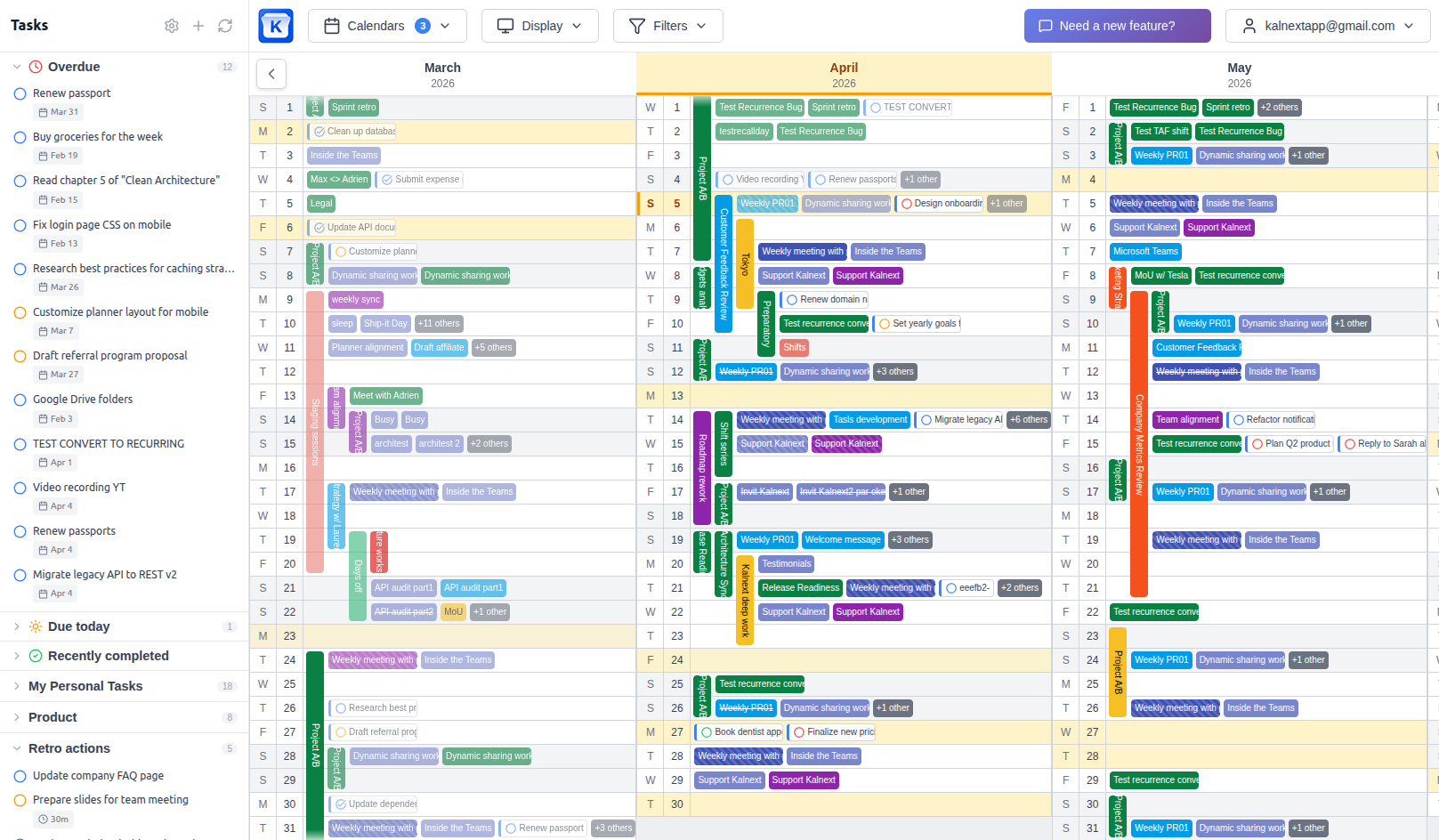
That is what Kalnext does. It reads Google Calendar and Microsoft Outlook, renders twelve readable months, and writes every change back in real time, with tasks, multi-calendar overlay and a free time finder on the same canvas. The year stops being a document about your calendar and becomes a view of it.
See it on your own calendarUse a planning tool to decide.
Use your calendar to commit.
Stop doing both by hand.
Frequently asked questions
Should I plan my year in a dedicated tool or in my calendar?
Plan in a dedicated tool when you are sketching options that nobody else will act on yet. Plan in your calendar as soon as the result has to be executed by other people or is likely to change, because anything that lives outside the calendar of record has to be re-entered and then kept in agreement with it by hand.
Is a Google Calendar import the same as a calendar integration?
Not when it only goes one way. Several year planners import Google Calendar events read-only: you can see them, but you edit in Google, not in the planner. AnnuCal states this explicitly in its own changelog. A read-only import removes the retyping of existing events and changes nothing about the plan you create, which still has to be entered in Google by hand.
What is the two-system problem in planning?
It is the ongoing cost of keeping a planning tool and a calendar in agreement when neither one knows about the other. It shows up as re-entry (typing decisions twice), drift (the two disagree without warning) and loss of trust (people stop reading the plan). None of the three is visible in a feature comparison.
Can Google Calendar or Outlook handle yearly planning on their own?
Not as shipped. Google Calendar's year view shows coloured dots with no event names, has no mobile version and cannot be edited. Outlook has no year view at all. Both need a separate view, synced both ways, that renders twelve readable months and writes changes back, which is what Kalnext does.
What should I look for in a year planner?
Five things: a year view that shows real event names, two-way sync so edits reach the calendar of record, tasks alongside events, several calendars overlaid at once, and a way to find free time rather than only see busy time. A planner that misses the second one will always be a second system.
Put the year where the work is
Connect Google Calendar or Outlook and see twelve readable months you can actually edit.
Start your free trial14-day free trial · No credit card required