Outlook, Free Time, Agenda & Much More
It's been a while since our last update note, and a lot has landed in Kalnext since. Here is the full tour.
🔌 Microsoft Outlook & Microsoft To Do
Connect your Outlook calendars
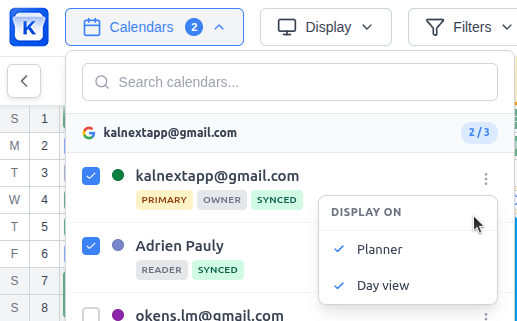
Kalnext now works with Microsoft Outlook (Microsoft 365, Outlook.com, Hotmail) as well as Google Calendar. Connect your Outlook calendars and your Microsoft To Do lists from Settings › Integrations, and see them on the planner next to your Google ones. Events, replies to invitations and tasks stay in sync both ways.
Sign in with Microsoft
You can now create your account and sign in with Microsoft. The sign-in page also remembers which account you used last.
Disconnected accounts
If an account gets disconnected, a banner on the planner tells you and lets you reconnect it.
🌴 Free Time
Find your free days at a glance
The free days highlight becomes Free time, in the header. Besides free days and weekends, it finds free Sundays, whole weeks or several days in a row, counts them over the months you're viewing, and lets you choose which calendars count. Events marked Available, declined invitations, birthdays and working locations no longer make a day busy. Also on mobile.
Compare with your colleagues Starter plan and above
Pin colleagues from your organization and see the days when everyone, or at least some of you, is free. Only free or busy days are shared, never what's planned, and sharing can be turned off by each member or by an admin for the whole organization.
🗓️ New Views & Display
Agenda view
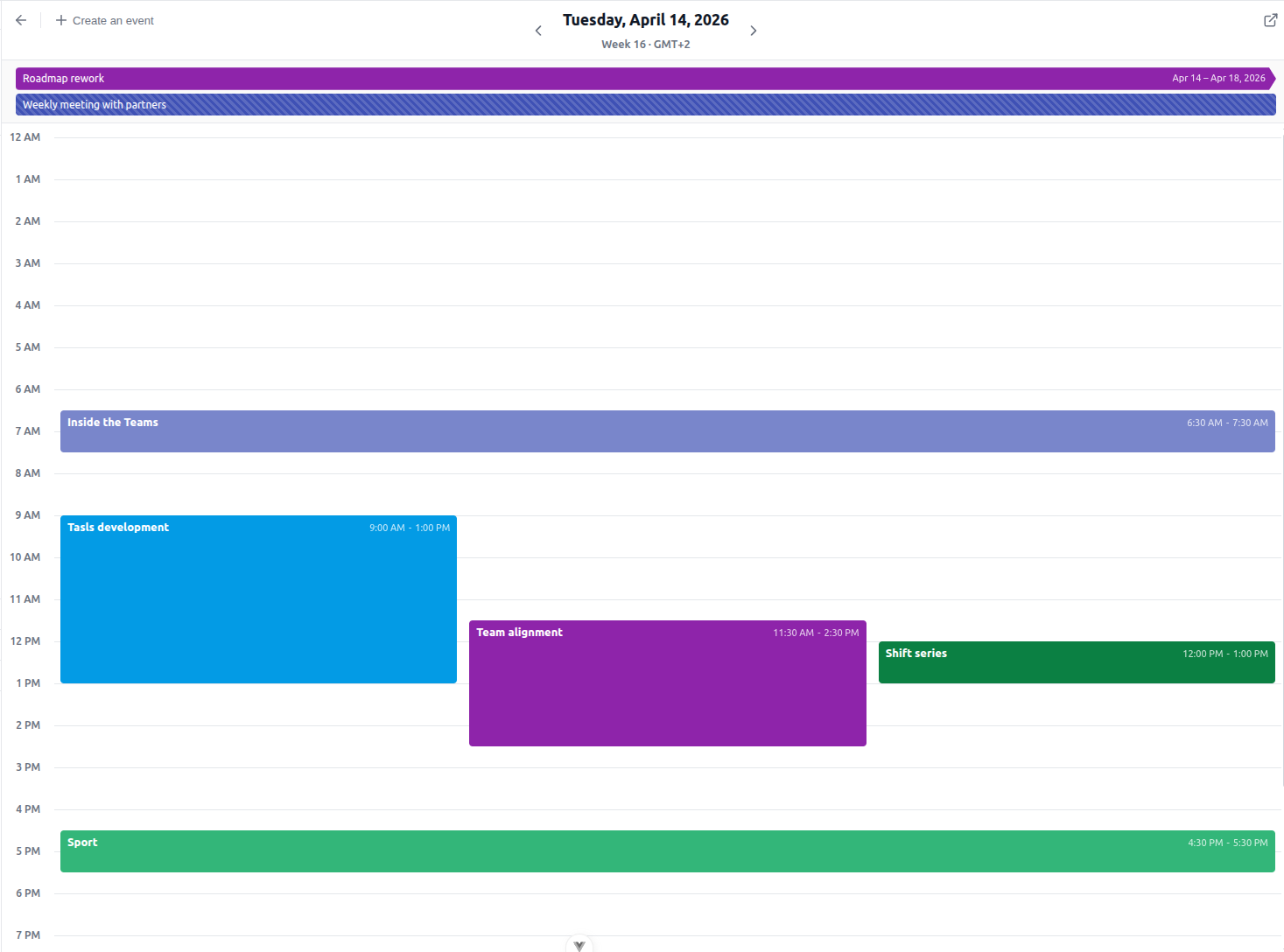
A new layout next to Vertical, Horizontal and Grid: the days of your period as a list, with their events and tasks. It opens on today, with a "now" line among today's events.
Grid view: your year as month blocks
Months laid out as calendar blocks, so a whole year fits on one page with readable event titles. Drag, resize and create events there as in the other views.
Display options in the layout menu
Week numbers, the first day of the week, weekend alignment and color, and event start times have moved from the settings to the layout menu at the top right, and apply instantly.
Today view and period menu
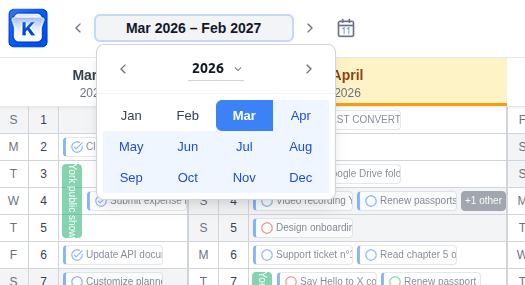
The Today view, what the planner shows when it opens and when you click Today, is now set from the period menu next to the arrows, by dragging a window over the months. The same menu shows two years side by side to pick another period, and Kalnext keeps the range you picked when you come back.
A fresher look
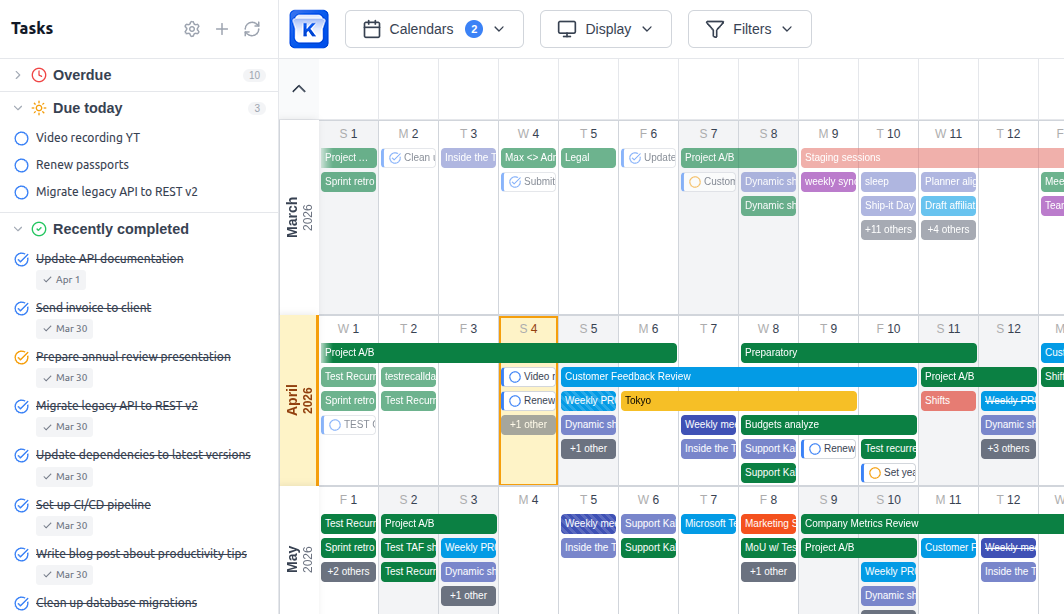
Lighter lines, months laid out as cards and a new font. Today now stands out with a warm tint and a red pill on its number.
✋ Editing on the Planner
Smoother drag and drop
The card now leans as you carry it, a multi-day event cut by a month or a week moves as a whole and can shift by a single day, and an event that can't move (a birthday, an event of a read-only calendar) springs back with a message telling you why.
Stretch an event over several days
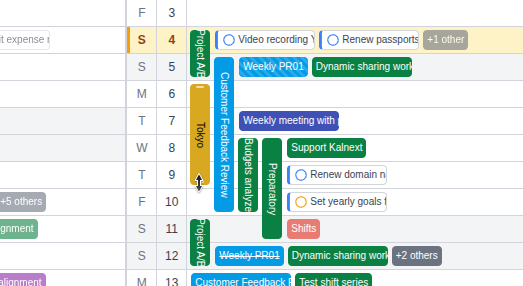
In the vertical view, pull the edge of a single-day event to turn it into a multi-day one, with a preview of the result as you drag.
Recurring events, faster
When you change or delete an occurrence, pick This event, This and following events or All events straight from the Save or Delete button, without an extra dialog. Deletions are confirmed right on the button too.
Hide anything from the planner
Any event, task or whole series can be hidden from the planner to keep it clean. It stays in the day view and the agenda, where you can show it again.
📤 Export, Print & Mobile
Yearly CSV export
From Settings › Data & export, export a year as a CSV file: one column per month and one row per day, like the vertical planner. Pick the calendars and the options you need.
Print the months you want
Choose how many months to print.
Install Kalnext as an app
Kalnext can be installed from your browser, on desktop and on mobile, and tells you when a new version is ready.
Better on mobile
The settings, drag and drop on touch screens, Free time and the top bar have been reworked for phones.
👥 Teams
Invite your team Starter plan and above
Admins can invite colleagues by email from the Organization settings. They join the organization's subscription in one click from their invitation.
✨ Also New
- Kalnext is now available in German, and new accounts start in the language they signed up in.
- Your Google profile picture appears as your avatar.
- Clear the due date of a task in one click.
- A message confirms each saved event.
- The day view hours are set from the clock button in its header.
- Events Google creates from Gmail (flights, bookings) grey out what Google doesn't let you change, and say why.
- When Google refuses a change, Kalnext tells you why instead of showing a generic error.
🛠️ Reliability
- More reliable sync for very large calendars.
- Fewer unexpected account disconnections.
- An event change now shows at once in every open view.
- Events Google sends without a timezone get the one of their calendar.
- All-day events that end the day they start now show on the right day.